Choose your project
Select the hosted domain you want to work on. Each project has its own conversation history.
AI Tools in your hosting account
Start a site with Coding Agent, or run a background assistant with OpenClaw. Open AI Tools in your ByteHaus panel to see what is available in your account.
Using an agent in your editor? Bring your existing project instead →
Coding Agent
Create a project for a hosted domain, choose an available AI connection or the hosting-credit option, and describe what you want to build. You can start in the panel without handing a guide to an external coding agent.
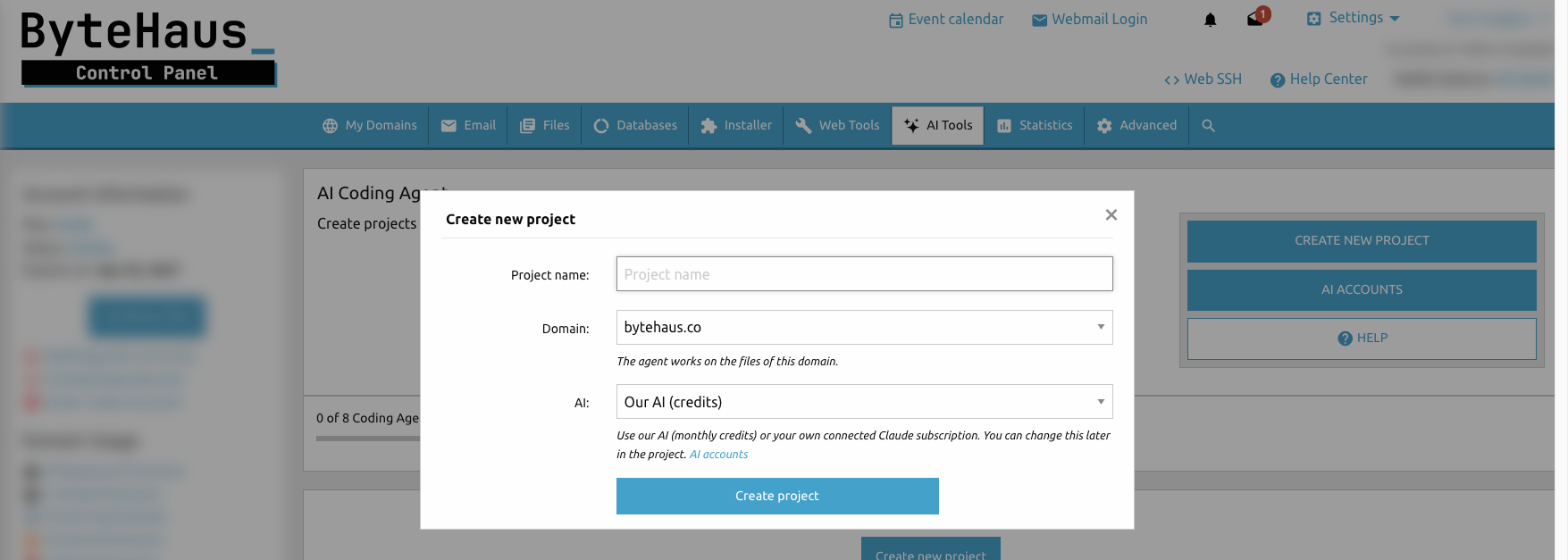
Select the hosted domain you want to work on. Each project has its own conversation history.
Use a supported AI account or the credits option shown in your panel. Ask for a site, a feature, or help with an error.
Keep a backup before changes. Review the result and test the live HTTPS site and its main functions.
OpenClaw
Run an assistant in your hosting account with browser chat, skills, plugins, and automations. Enable OpenClaw, connect a supported AI account, then open its Control UI from your panel.
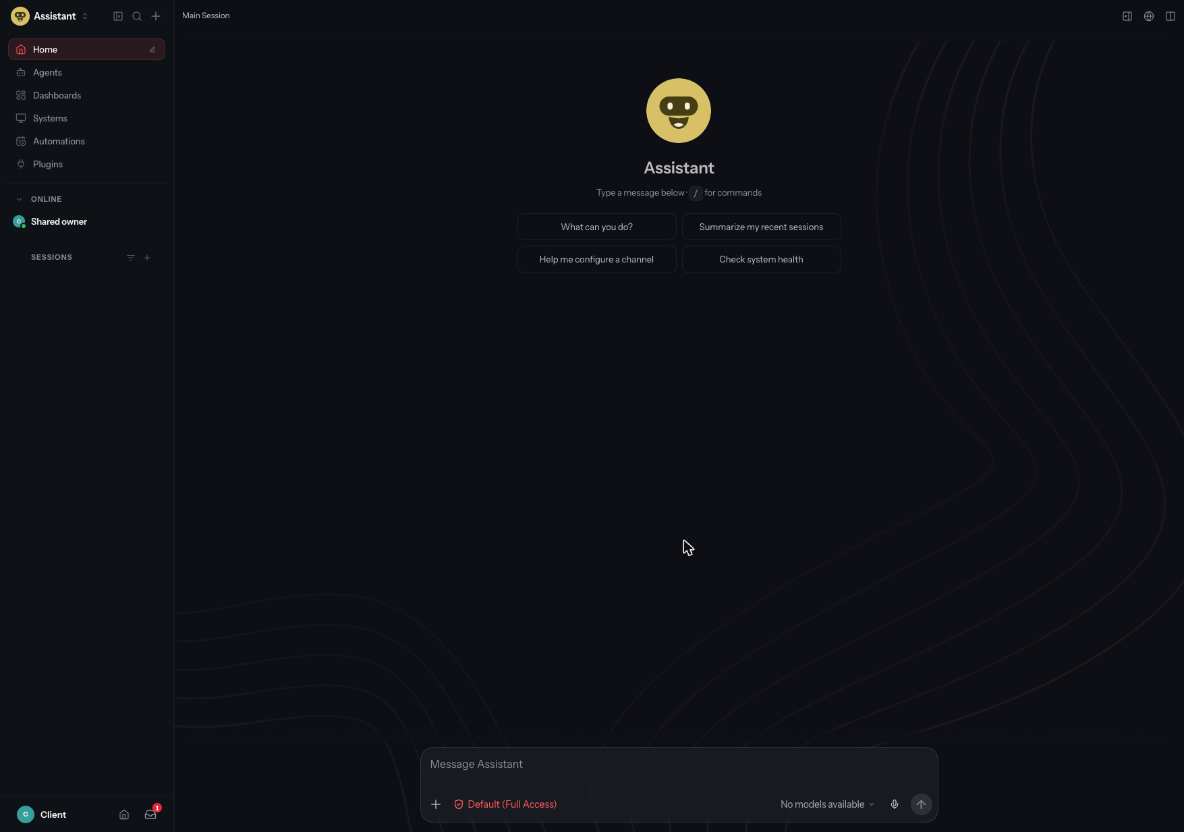
Review scheduled activity before leaving it running. Automations and background tasks can use your model allowance and hosting resources.
Know what you are connecting
Choose the scope that fits your work. Both tools can change real files and data, so keep backups and review changes.
Works on a selected domain's project files, with access to logs, supported shell commands, and databases whose credentials are in the project.
It cannot manage DNS, nameservers, mailboxes, or account settings. Separate project histories do not mean separate copies of a site's files.
Has the hosting account user's access to files and databases across the account's sites. That can include configuration files containing secrets.
It does not manage the hosting panel UI or account settings. Disabling it stops the service but may leave stored data in place.
Set up your domain, DNS, and SSL in the panel first. After adding a domain, turn on SSL in its settings before requesting a Let's Encrypt certificate.
Read connection steps and access details →Ready when you are
Check AI Tools for your account's availability, project limits, monthly credits, and supported AI connections. Provider terms and model usage limits apply.
Sign in to ByteHaus